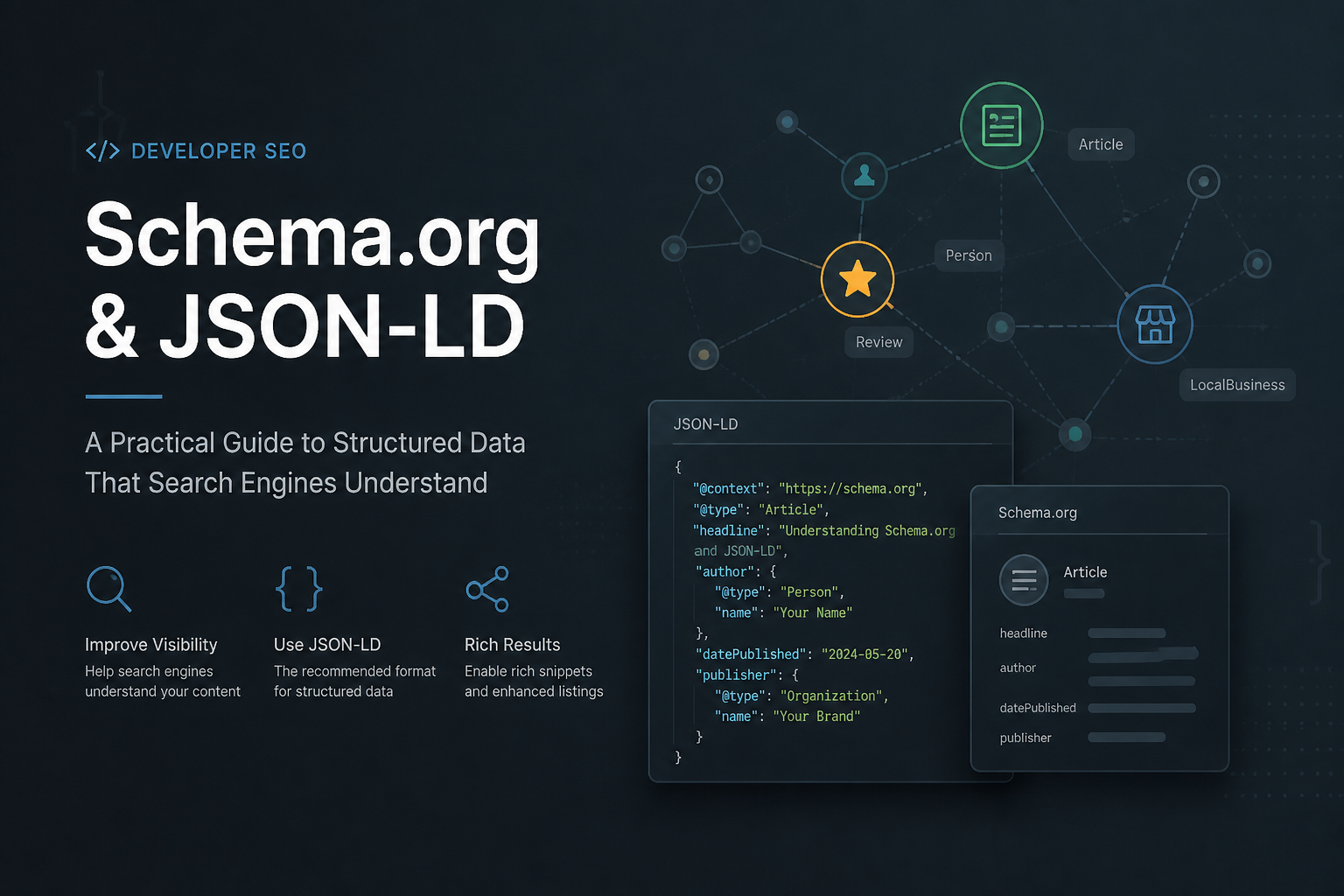
If you work in SEO or web development, you have probably heard of Schema.org. Many teams still use it superficially — or ignore it. This guide explains what structured data is, why it matters for modern SEO, and how to implement the most useful schema types — from basics to nested graphs. You will also get a practical Laravel approach and a release checklist.
Important: Schema.org does not “guarantee #1 rankings”. It is a technical SEO foundation: richer snippets, clearer page meaning for crawlers and assistants. Rankings still depend on many other factors.
- What Schema.org is and why it matters
- Markup formats
- Core schemas
- Content and navigation schemas
- Commercial schemas
- Specialized schemas
- @id, @graph, and nesting
- Implementing Schema.org in Laravel
- Validation and common mistakes
- Pre-release checklist
What is Schema.org and why do you need it?
Schema.org is a joint project by Google, Bing, Yahoo, and Yandex that standardizes structured data on web pages. In plain terms, it helps search engines understand what a page is about: an article, a service, an organization, a product, or an FAQ.
Why it matters
- Rich results. Search engines may show ratings, prices, FAQ, breadcrumbs, or how-to steps. That often improves CTR even without a ranking jump.
- Better context. Structured data helps match pages to relevant queries more precisely.
- Voice search and AI answers. Assistants and generative systems prefer machine-readable facts.
Google caveat: markup does not guarantee a rich result. FAQ, HowTo, Product, and ratings are shown selectively. Fake reviews without visible on-page reviews are especially risky.
Markup formats
- JSON-LD (recommended). A separate
<script type="application/ld+json">block. Easy to generate from Laravel and keep out of HTML markup. - Microdata. Attributes like
itemscope,itemtype,itempropinside HTML. Harder to maintain. - RDFa. Less common today.
Abramov.TOP practice: use JSON-LD only. One format per entity — do not mix Microdata and JSON-LD for the same data.
Part 1. Core schemas
1. Organization / Person (for a personal brand blog)
For abramov.top, a Person + Organization pair fits better than a fake LocalBusiness office if you do not have a physical walk-in location.
{
  "@context": "https://schema.org",
  "@graph": [
    {
      "@type": "Person",
      "@id": "https://abramov.top/#person",
      "name": "Mikhail Abramov",
      "url": "https://abramov.top",
      "jobTitle": "Fullstack developer",
      "worksFor": { "@id": "https://abramov.top/#organization" },
      "sameAs": [
        "https://t.me/rootseo",
        "https://seo-zilla.ru",
        "https://scanzilla.ru",
        "https://gargarych.ru"
      ]
    },
    {
      "@type": "Organization",
      "@id": "https://abramov.top/#organization",
      "name": "Abramov.TOP",
      "url": "https://abramov.top",
      "logo": "https://abramov.top/favicon.png",
      "email": "mikhail@abramov.top",
      "founder": { "@id": "https://abramov.top/#person" }
    }
  ]
}
Add LocalBusiness only with real address and opening hours. Never invent a phone number or street address just for markup.
2. WebSite
Describe the site as a whole. Add SearchAction only if a real search endpoint exists (for example /search?q=...). Otherwise keep a basic WebSite object.
{
  "@context": "https://schema.org",
  "@type": "WebSite",
  "@id": "https://abramov.top/#website",
  "url": "https://abramov.top",
  "name": "Abramov.TOP",
  "inLanguage": ["ru", "en"],
  "publisher": { "@id": "https://abramov.top/#organization" }
}
Part 2. Content and navigation schemas
BlogPosting / Article / NewsArticle
- BlogPosting — regular blog posts.
- NewsArticle — time-sensitive news.
- Article — a generic fallback.
Always include
datePublished,dateModified, an absolute cover URL, and an author.
{
  "@context": "https://schema.org",
  "@type": "BlogPosting",
  "headline": "Complete Schema.org Guide",
  "image": ["https://abramov.top/images/covers/schema-org-guide.jpg"],
  "datePublished": "2026-08-02T12:00:00+03:00",
  "dateModified": "2026-08-02T17:20:00+03:00",
  "author": {
    "@type": "Person",
    "@id": "https://abramov.top/#person",
    "name": "Mikhail Abramov",
    "url": "https://abramov.top/en/about"
  },
  "publisher": { "@id": "https://abramov.top/#organization" },
  "mainEntityOfPage": "https://abramov.top/en/posts/schema-org-guide"
}
BreadcrumbList
{
  "@context": "https://schema.org",
  "@type": "BreadcrumbList",
  "itemListElement": [
    {
      "@type": "ListItem",
      "position": 1,
      "name": "Home",
      "item": "https://abramov.top/en"
    },
    {
      "@type": "ListItem",
      "position": 2,
      "name": "Blog",
      "item": "https://abramov.top/en/blog"
    },
    {
      "@type": "ListItem",
      "position": 3,
      "name": "Schema.org",
      "item": "https://abramov.top/en/posts/schema-org-guide"
    }
  ]
}
Part 3. Commercial schemas
If you build sites on Laravel or Bitrix, commercial markup is a frequent business requirement.
Product
Use it for product pages or priced service packages. Add ratings only when real reviews are visible on the page.
{
  "@context": "https://schema.org",
  "@type": "Product",
  "name": "Website SEO audit",
  "image": "https://abramov.top/images/audit.jpg",
  "description": "Technical and commercial website audit.",
  "sku": "SEO-AUDIT-001",
  "brand": { "@type": "Brand", "name": "Abramov.TOP" },
  "offers": {
    "@type": "Offer",
    "url": "https://abramov.top/en/prices",
    "priceCurrency": "USD",
    "price": "900",
    "availability": "https://schema.org/InStock",
    "priceValidUntil": "2026-12-31"
  }
}
Service
{
  "@context": "https://schema.org",
  "@type": "Service",
  "name": "Search engine optimization",
  "serviceType": "SEO",
  "provider": { "@id": "https://abramov.top/#organization" },
  "areaServed": { "@type": "Country", "name": "Russia" },
  "url": "https://abramov.top/en/prices"
}
Part 4. Specialized schemas
FAQPage
Questions and answers must be visible on the page. Hidden FAQ for markup only is a bad idea.
{
  "@context": "https://schema.org",
  "@type": "FAQPage",
  "mainEntity": [{
    "@type": "Question",
    "name": "How much does SEO promotion cost?",
    "acceptedAnswer": {
      "@type": "Answer",
      "text": "Pricing depends on niche competition and scope. Projects usually start from thousands of dollars per month."
    }
  }]
}
HowTo
{
  "@context": "https://schema.org",
  "@type": "HowTo",
  "name": "How to add JSON-LD to a website",
  "step": [
    {
      "@type": "HowToStep",
      "name": "Collect the data",
      "text": "Take title, URL, dates, and author from your model."
    },
    {
      "@type": "HowToStep",
      "name": "Generate JSON-LD",
      "text": "Build an array and encode it as JSON."
    },
    {
      "@type": "HowToStep",
      "name": "Render in the template",
      "text": "Output a script type=application/ld+json block in your layout."
    }
  ]
}
VideoObject
Use it when a video is actually embedded and you have thumbnail, uploadDate, and contentUrl or embedUrl.
Global properties, @id, and nesting
| Property | Purpose | Example |
|---|---|---|
@id | Stable entity ID | https://abramov.top/#organization |
name | Name | Abramov.TOP |
description | Short description | Blog about development and SEO |
image | Absolute image URL | https://.../cover.jpg |
url | Canonical URL | https://abramov.top/en/blog |
sameAs | Profiles and related sites | https://t.me/rootseo |
Connect entities with @id and @graph: Person → Organization → WebSite → BlogPosting. That creates a graph instead of disconnected snippets.
Implementing Schema.org in Laravel
A clean approach is a small service that builds an array from a model and returns JSON.
// app/Support/Schema/BlogPostingSchema.php
final class BlogPostingSchema
{
    public static function make(Post $post): array
    {
        return [
            '@context' => 'https://schema.org',
            '@type' => 'BlogPosting',
            'headline' => $post->title,
            'datePublished' => optional($post->published_at)?->toIso8601String(),
            'dateModified' => optional($post->updated_at)?->toIso8601String(),
            'image' => array_filter([$post->coverUrl()]),
            'author' => [
                '@type' => 'Person',
                '@id' => 'https://abramov.top/#person',
                'name' => 'Mikhail Abramov',
                'url' => 'https://abramov.top/en/about',
            ],
            'mainEntityOfPage' => url('/'.app()->getLocale().'/posts/'.$post->slug),
        ];
    }
}
In Blade:
@php
    $schema = \App\Support\Schema\BlogPostingSchema::make($post);
@endphp
<script type="application/ld+json">{!! json_encode($schema, JSON_UNESCAPED_UNICODE | JSON_UNESCAPED_SLASHES) !!}</script>
On WordPress, Rank Math / Yoast often cover the basics; custom entities still need hooks. On Laravel/Bitrix, a custom generator is usually cleaner than a plugin zoo.
What to prioritize on abramov.top
Person+Organization+WebSitein the main layout.BlogPostingon post pages.BreadcrumbListin the blog.Service/ offers on the pricing page when needed.
How to validate markup
- Rich Results Test (Google)
- Schema Markup Validator
- Yandex Webmaster structured data tools
Do not validate only one URL. Check key templates: home, post, pricing, contact.
Common mistakes
- Markup describes content users cannot see.
- Relative image URLs instead of absolute ones.
- JSON-LD and Microdata duplicates for the same entity.
- Fake AggregateRating.
- SearchAction without a real search page.
- Outdated properties never checked against schema.org.
Pre-release checklist
- JSON-LD only.
- All URLs are absolute.
- Markup matches visible page content.
- Posts include datePublished / dateModified / author / image.
- Entities are linked with @id where useful.
- No fake ratings or hidden FAQ.
- Page passes Rich Results Test and Schema Validator without critical errors.
- RU/EN pages use correct locale URLs and language hints.
Conclusion
Schema.org is not a magic “rank #1” button. It is engineering discipline: you make page meaning explicit for machines. Combined with strong content, performance, and clean technical SEO, it improves clarity and often CTR.
If you need a structured data audit or schema implementation for a Laravel/Bitrix project, message me on Telegram.
Comments
Comments appear after moderation.
No published comments yet. Be the first.